CVAurum › Guides › No sign-up resume builder
A resume builder with no sign-up, no login and no email
There is no account to create. Open CVAurum and the editor is in front of you: pick a template, type, and download. No email address, no password, no confirmation link.
Without an account there is nowhere else for your resume to go, so it is saved where you made it — in your own browser — and nowhere else.
A few of the 75 templates
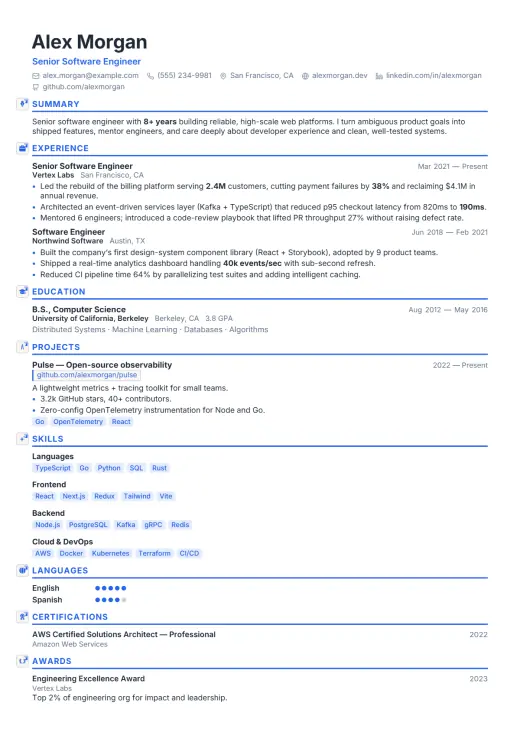 Aria
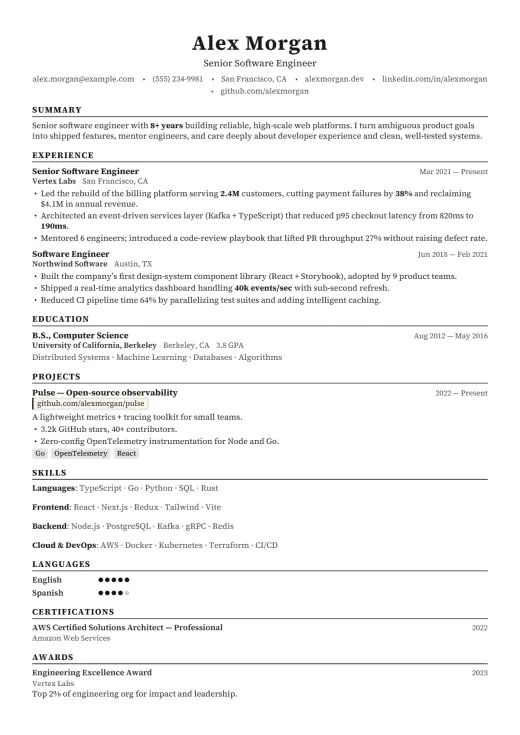 Harvard
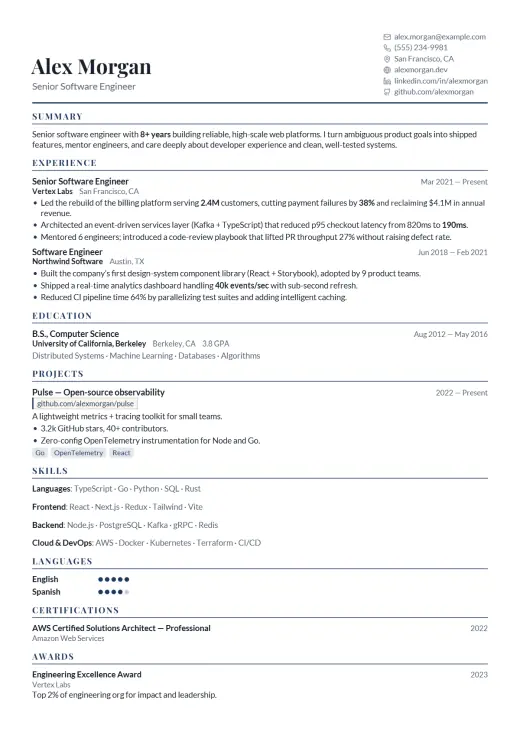 Sterling
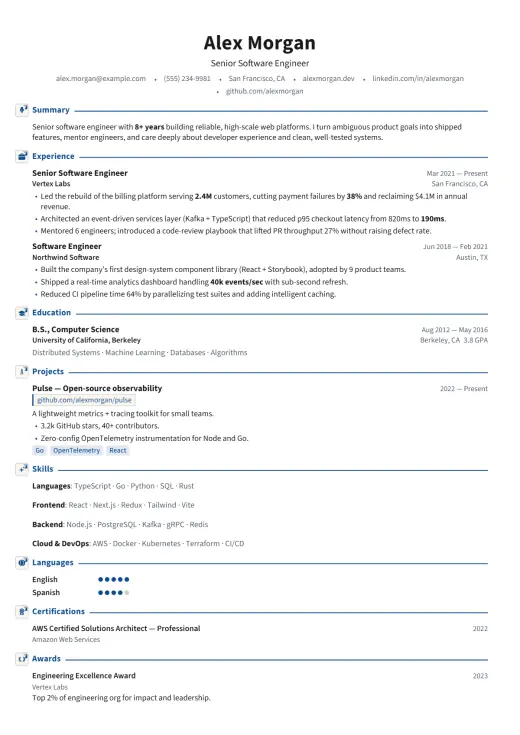 Cambridge
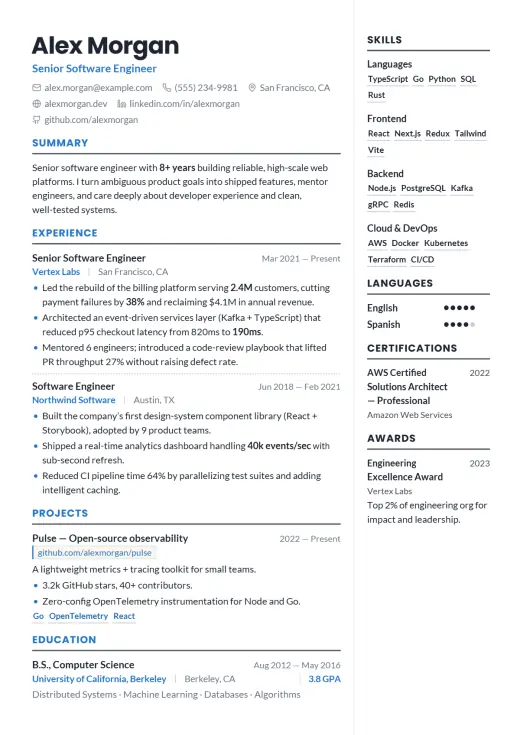 Clarity
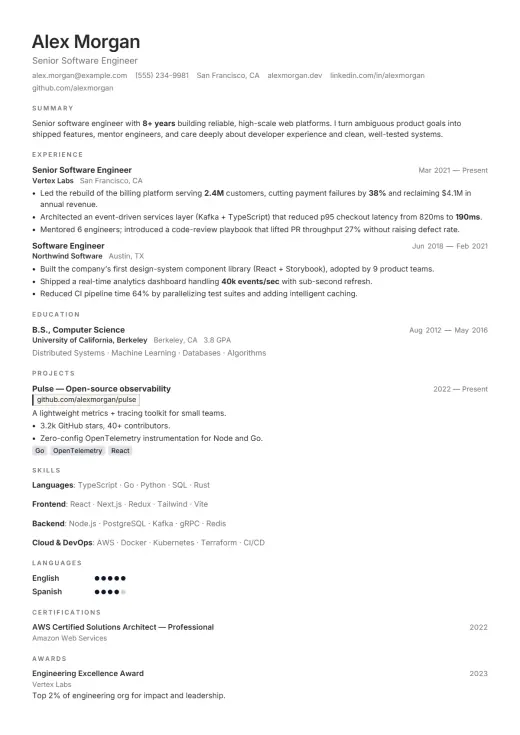 Frost
How it works without an account
Your resumes are kept in your browser’s own storage and saved as you type. Nothing is uploaded, because there is no server to upload to. The app installs like any other web app and keeps working with no connection at all.
Moving a resume to another device
Without an account there is no cloud sync, so a resume travels the way a file does:
- A backup file of every resume, restored in any browser
- A single resume as a JSON Resume file
- An encrypted link, locked with a passphrase you choose (AES-256-GCM)
One thing to know
Because the resume lives only in your browser, clearing that browser’s site data deletes it. Keep a backup file of anything you would not want to type again.
Questions
- Can I download my resume without signing up?
- Yes. PDF, Word and JSON Resume downloads are free and need no account.
- Where is my resume saved?
- In your browser’s storage on your own device. It is never sent to a server.
- What happens if I clear my browser data?
- The resume is deleted with it. Use Backup to keep a copy you can restore.
Browse the 75 resume templates · Read 108 complete resume examples · 6 prompts for an AI assistant · All guides · Free resume builder · ATS resume checker · Resume format · How to write a resume · Resume for freshers · CV template · Resume template for Word · Resume summary examples · Resume skills by job · Resume action verbs · About